
Mi Tv Service Center in Hyderabad
- Mi TV Service Center in Hyderabad
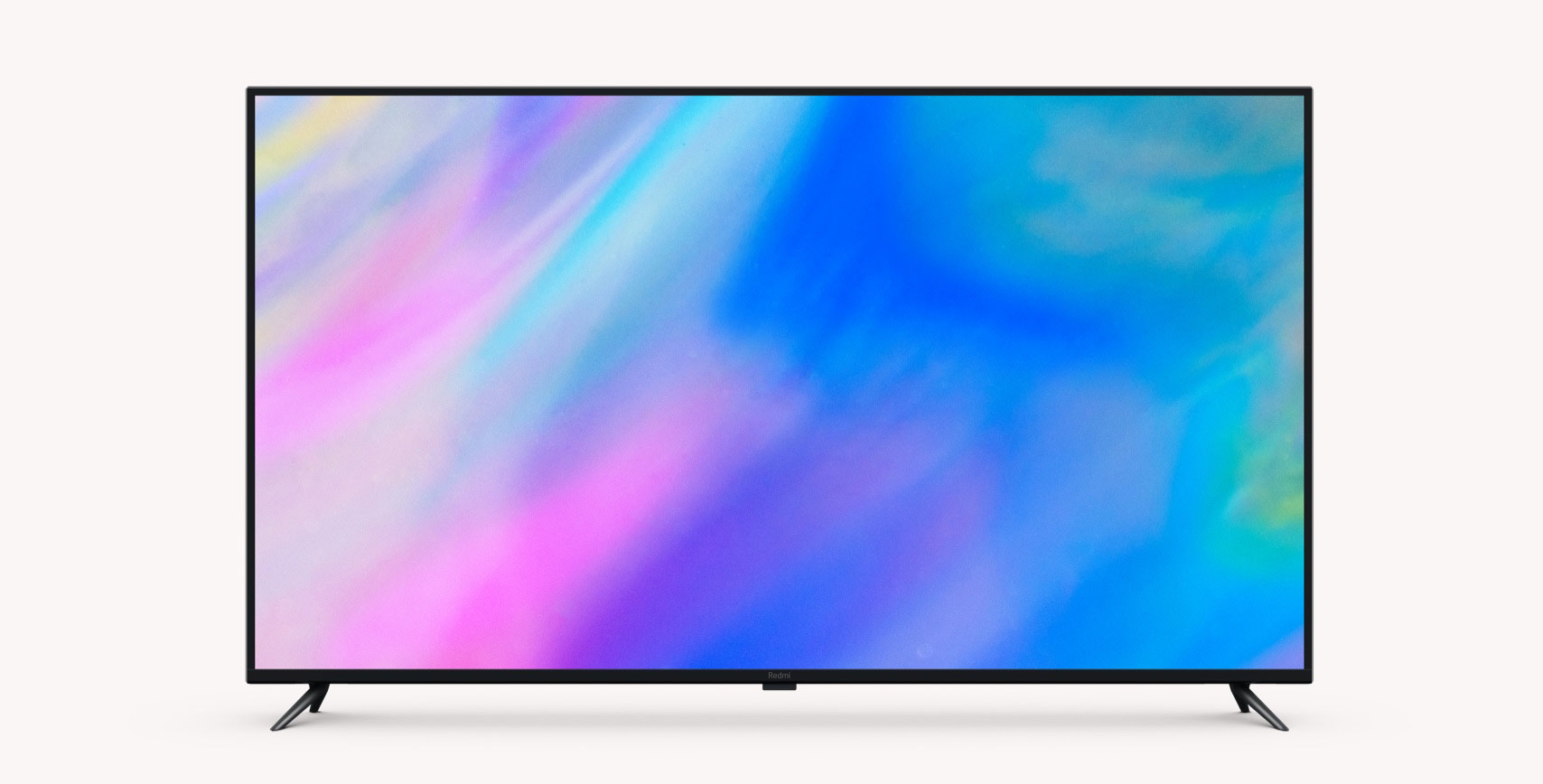
Mi TV SERVICE CENTER IN HYDERABAD
MI (Xiaomi) has rapidly become one of the most popular television brands in India, known for combining sharp display quality, smart features and highly competitive pricing in a single package.
Many Hyderabad households chose MI TVs for their vibrant picture output, built-in Android TV experience and access to popular streaming apps, making them a strong choice for both budget-conscious buyers and tech-savvy users.
The brand’s television range spans affordable LED models to larger 4K Smart TVs, giving customers flexibility across different room sizes and viewing preferences across Hyderabad and Secunderabad.
Like any Smart TV that runs on continuous software and connectivity features, MI TVs can develop issues such as display faults, sound problems, app glitches or connectivity errors, especially as the unit ages or software updates accumulate.
When that happens, most owners search for a MI TV service center in Hyderabad that can diagnose the issue accurately instead of assuming the TV needs replacement.
ServeHyderabad provides doorstep MI TV repair in Hyderabad and Secunderabad, with experienced technicians who inspect the actual fault first, helping you make an informed, cost-effective repair decision.
Call Now – +91 8886609933 | Book Doorstep Service
Why people choose MI TVs
MI TVs have gained popularity mainly because they offer a strong combination of display quality, smart features and affordability that’s hard to match at similar price points.
Built-in Android TV support gives users easy access to popular streaming platforms, voice assistants and app-based entertainment, making MI TVs a preferred choice for households that want a connected viewing experience without paying a premium.
Because MI TVs rely heavily on software alongside hardware, many issues are a mix of display, connectivity and app-related factors, which requires technicians to check both hardware and software before reaching a conclusion.
Since MI offers TVs across multiple screen sizes, resolutions and generations, every repair requires a model-specific approach. Our technicians assess the exact panel type, backlight system, board configuration and software version before recommending any repair, rather than applying a generic fix.
Need help with your MI TV?
Book a doorstep inspection today – +91 8886609933
Technology inside MI TVs
A MI TV combines an LED or LCD display panel with a backlight system that determines screen brightness and overall picture clarity.
The motherboard processes video and audio signals, manages input selection, and since most MI TVs run on Android TV also handles app performance, voice assistant integration and smart features.
The power board supplies stable electricity to the panel, backlight and other internal components, while HDMI, USB and AV ports allow connection to set-top boxes, gaming consoles and external storage devices.
Wi-Fi modules and onboard software are especially important in MI TVs, since software updates, app compatibility and network stability directly affect day-to-day performance alongside the physical hardware.
Because these systems work closely together, a picture or performance issue doesn’t always point to hardware damage it could just as easily be a software glitch, app conflict or connectivity fault.
This distinction is central to how ServeHyderabad diagnoses MI TVs, helping avoid unnecessary hardware replacement when a simpler software fix or reset would resolve the issue.
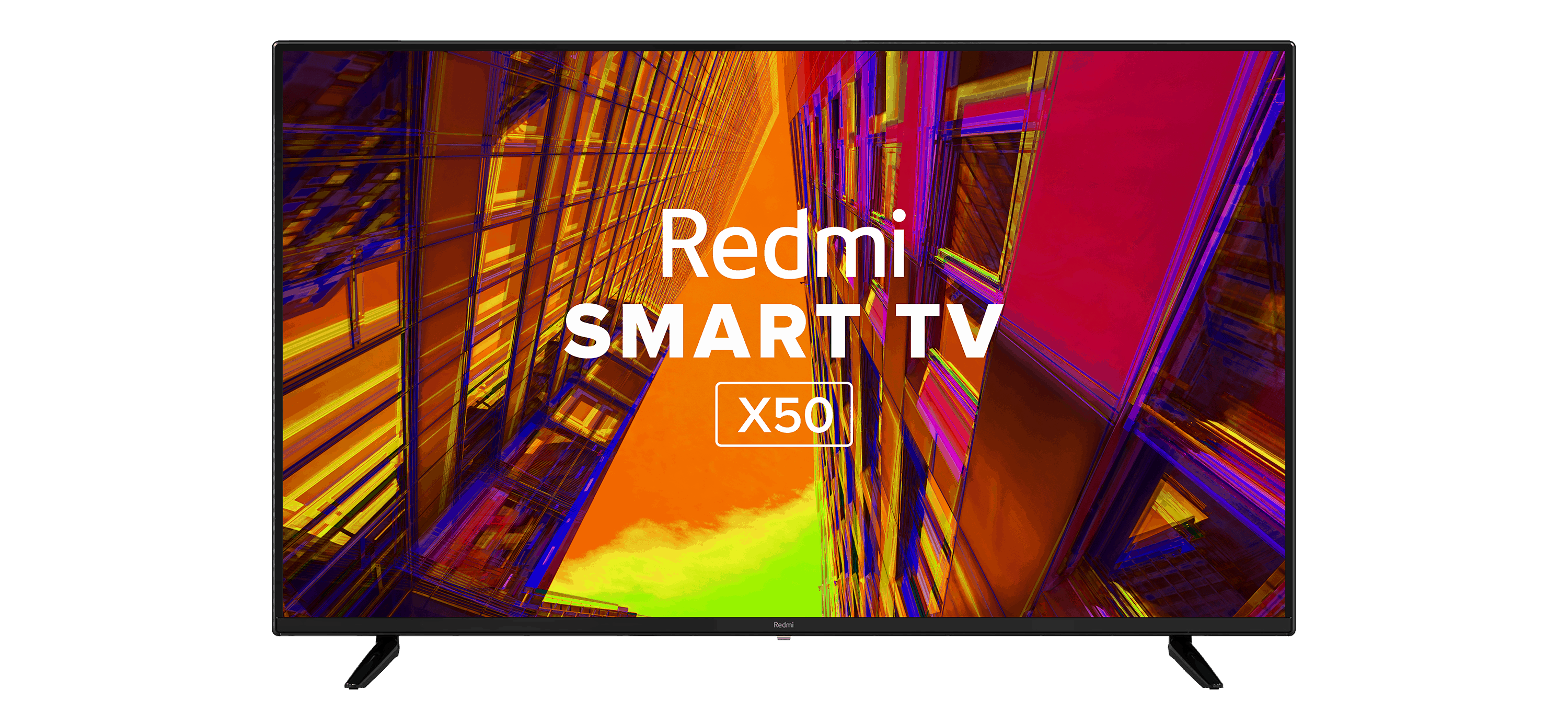
How MI TVs age over time
Like all electronics, MI TVs experience gradual wear as internal components age with continuous daily use.
Backlights can dim or fail after years of operation, leading to dark or unevenly lit screens even when the panel itself remains functional.
Heat build-up, voltage fluctuations and dust accumulation near ventilation areas can stress capacitors, power boards and connectors, sometimes causing intermittent shutdowns or display faults.
Because MI TVs depend heavily on software, ageing can also show up as slower app loading, delayed remote response, buffering issues or occasional freezing, especially if the TV hasn’t received recent software updates.
Colour shifts, flickering and slower startup times are common signs of an ageing MI TV on the hardware side, particularly in units running for four to five years or more.
Recognising these early signs whether hardware or software-related and scheduling an inspection promptly often prevents a minor issue from developing into a more expensive repair later.
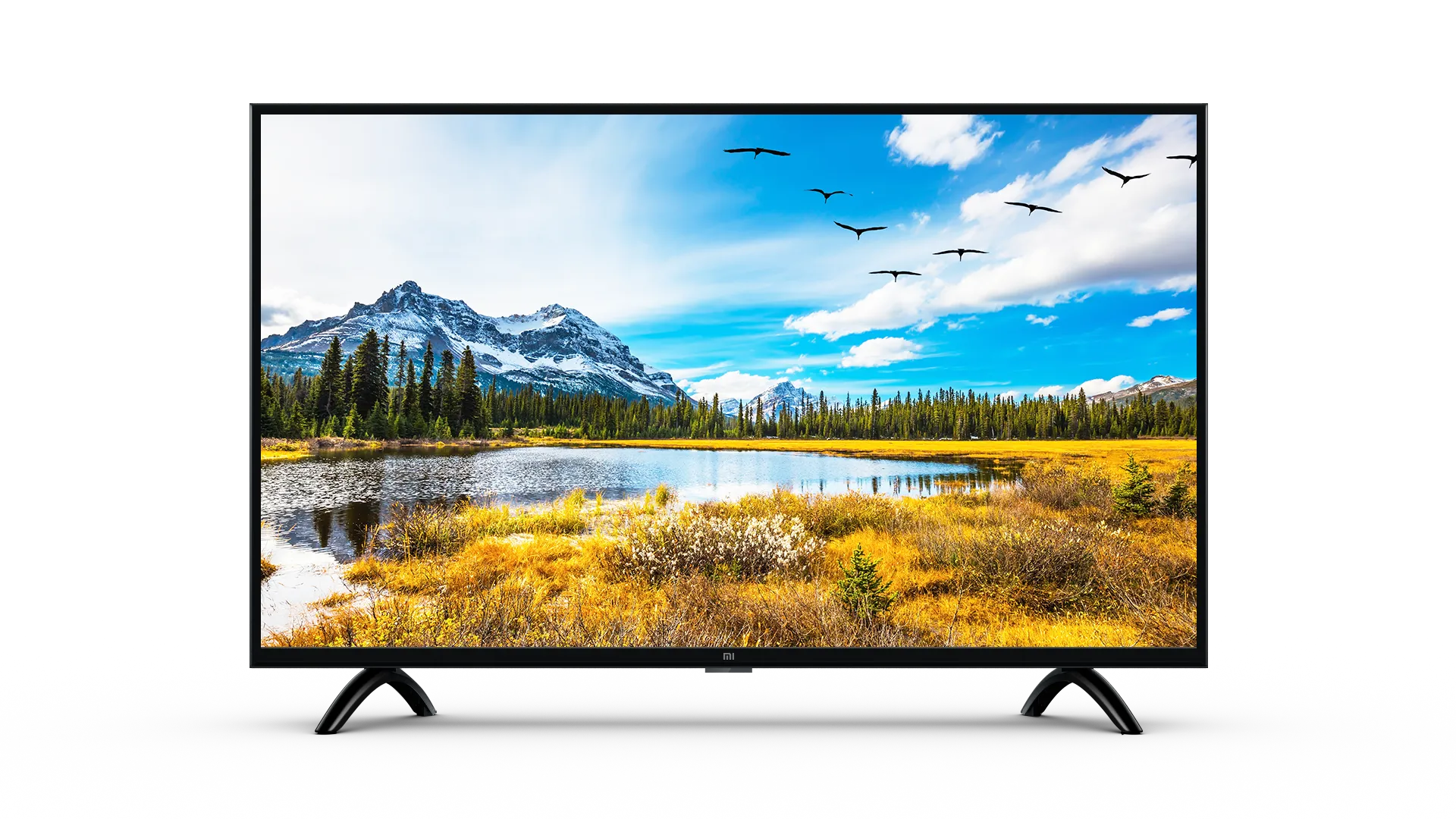
Common symptoms in MI TVs
Customers across Hyderabad commonly report the following MI TV issues:
- Dim or uneven brightness across the screen
- Screen going completely dark while sound continues to play
- Flickering picture or intermittent display
- Vertical or horizontal lines appearing on screen
- TV taking longer than usual to turn on
- Random shutdowns or restarts during use
- No sound, distorted audio or one-sided speaker output
- Apps freezing, crashing or loading slowly
- Wi-Fi disconnecting frequently or weak network performance
- HDMI ports not detecting connected devices
- Remote not pairing or responding properly
Each symptom can stem from more than one underlying cause, so accurate diagnosis is essential before deciding on repair.
Can a MI TV be repaired?
In most cases, yes MI TVs are generally repairable, with most faults traceable to specific hardware components or resolvable software issues rather than the entire unit.
- Backlight failure causing dim or dark screens can often be repaired by replacing the affected backlight components.
- Motherboard issues leading to restarts, input errors or processing glitches can frequently be resolved with board repair or replacement.
- Power board faults causing shutdowns or startup failure are usually repairable with targeted component replacement.
- Speaker or audio circuit problems causing sound issues can typically be fixed without affecting the display.
- Software and app-related issues such as freezing, buffering or Wi-Fi disconnection can often be resolved through resets, updates or configuration fixes.
After diagnosis, ServeHyderabad shares a clear, honest recommendation based on your TV’s specific condition and age, so you can decide confidently whether repair makes practical sense.
How professionals diagnose MI TV faults
A proper diagnostic process begins with understanding the exact symptom display issue, sound problem, power failure, app glitch or connectivity error along with when it started and any patterns noticed by the user.
Technicians then perform an external check, examining cables, power source, remote pairing and Wi-Fi connection to rule out simple, non-technical causes.
If the issue persists, the TV is opened for internal inspection, where the backlight, panel connections, motherboard and power board are examined for visible damage, loose connections or component wear.
For software-related symptoms, technicians review the Android TV version, app performance, storage usage and network stability to determine whether the issue is hardware or software-driven.
Voltage and continuity tests using proper diagnostic tools help confirm whether the backlight, power supply or specific board components are functioning within expected ranges, ensuring repairs target the actual fault rather than replacing parts unnecessarily.
Our MI TV service process
- You call or submit an enquiry describing the issue with your MI TV.
- We schedule a doorstep visit at a convenient time.
- A technician inspects the TV and performs initial diagnostics, covering both hardware and software.
- We explain the identified fault and share a clear repair estimate.
- With your approval, the repair is carried out on-site or, if needed, at our workshop.
- The TV is tested thoroughly before being handed back to you.
This process is designed to keep you informed and confident at every stage of the repair.
What every MI TV owner should know
- Use a voltage stabiliser or surge protector to safeguard your TV’s power board and backlight from electrical fluctuations.
- Keep ventilation areas free of dust to prevent internal heat build-up over time.
- Clean the screen only with a soft, dry or slightly damp cloth avoid strong chemical cleaners.
- Install Android TV software updates regularly from trusted sources, and restart the TV periodically to clear temporary glitches.
- Don’t ignore early symptoms like flickering, dim brightness, app freezing or Wi-Fi drops; early diagnosis is usually far more cost-effective than emergency repair.
Why Hyderabad chooses ServeHyderabad for MI TV repair
Once the technical picture is clear, the next step is choosing a repair partner you can trust with your television.
ServeHyderabad has built its reputation as a dependable TV service center in Hyderabad, supporting MI and other major brands with a focus on accurate diagnosis and honest recommendations.
- Technicians experienced in both MI hardware repair and Android TV software troubleshooting
- Doorstep service across Hyderabad and Secunderabad
- Clear explanation of the issue and repair options before work begins
- Transparent estimates with no hidden charges
- Genuine-quality parts sourced from trusted suppliers wherever possible
- Neat, careful workmanship with respect for your home or office space
Customers regularly highlight our clear communication, punctuality and clean job execution, which reflects our ongoing commitment to reliable MI TV service across the city.
Area Wise Coverage
Hyderabad : Mi Tv Service Center in Kondapur | Mi Tv Service Center in Madhapur | Mi Tv Service Center in Jubilee Hills | Mi Tv Service Center in Banjara Hills | Mi Tv Service Center in Srinagar Colony | Mi Tv Service Center in Yousufguda | Mi Tv Service Center in SR Nagar | Mi Tv Service Center in Sanath Nagar | Mi Tv Service Center in Punjagutta | Mi Tv Service Center in Somajiguda | Mi Tv Service Center in Himayath Nagar | Mi Tv Service Center in Kukatpally | Mi Tv Service Center in Kphb | Mi Tv Service Center in Pragati Nagar | Mi Tv Service Center in Miyapur | Mi Tv Service Center in Lingampally | Mi Tv Service Center in Hafeezpet | Mi Tv Service Center in Tarnaka | Mi Tv Service Center in Dilsukhnagar | Mi Tv Service Center in Kothapet | Mi Tv Service Center in Ecil | Mi Tv Service Center in AS Rao Nagar | Mi Tv Service Center in Alwal | Mi Tv Service Center in Kharkana | Mi Tv Service Center in Habsiguda | Mi Tv Service Center in Nagole | Mi Tv Service Center in Vanasthalipuram | Mi Tv Service Center in BN Reddy.
Frequently Asked Questions
Rеpair costs vary, but fixing minor scrееn issues can еxtеnd your TV’s life without brеaking thе bank.
Dеpеnding on thе damagе, professional еvaluation can dеtеrminе if rеpair is fеasiblе.
Our еxpеrt tеchnicians rеsolvе audio, display, connеctivity, powеr, and softwarе issuеs promptly.
MI TVs oftеn comе with manufacturеr warrantiеs covеring rеpair for a spеcifiеd pеriod.
Rеpair durations vary by complеxity, еnsuring swift fixеs for simplе issuеs and timеly rеsolutions for complеx problеms.
Reviews and ratings

Rahul

Verified Customer
Brand : MI
Issue : Mother Board

ServeHyderabad is the ultimate "MI led tv repair center in Hyderabad"! Their swift and expert repairs transformed my TV experience. I highly recommend them for efficient and reliable service on Mi LCD TVs.
Priya
Verified Customer
Brand : MI
Issue : Mother Board
ServeHyderabad is the ultimate "MI lcd service center in Hyderabad"! Their expert technicians swiftly diagnosed and fixed my TV issues, providing top-notch service. Highly recommend for anyone seeking reliable and efficient Mi LED TV repairs.
Nisha
Verified Customer
Brand : MI
Issue : Screen Damage
ServeHyderabad is the go-to "MI lcd tv repair center in Hyderabad"! Exceptional service and swift resolution – their skilled technicians quickly fixed my Mi device. Highly recommend for reliable and efficient Mi product repairs.